
What is the difference between an AI agent and a workflow?
An AI agent makes a scoped judgment; a workflow controls how that judgment enters a business process.
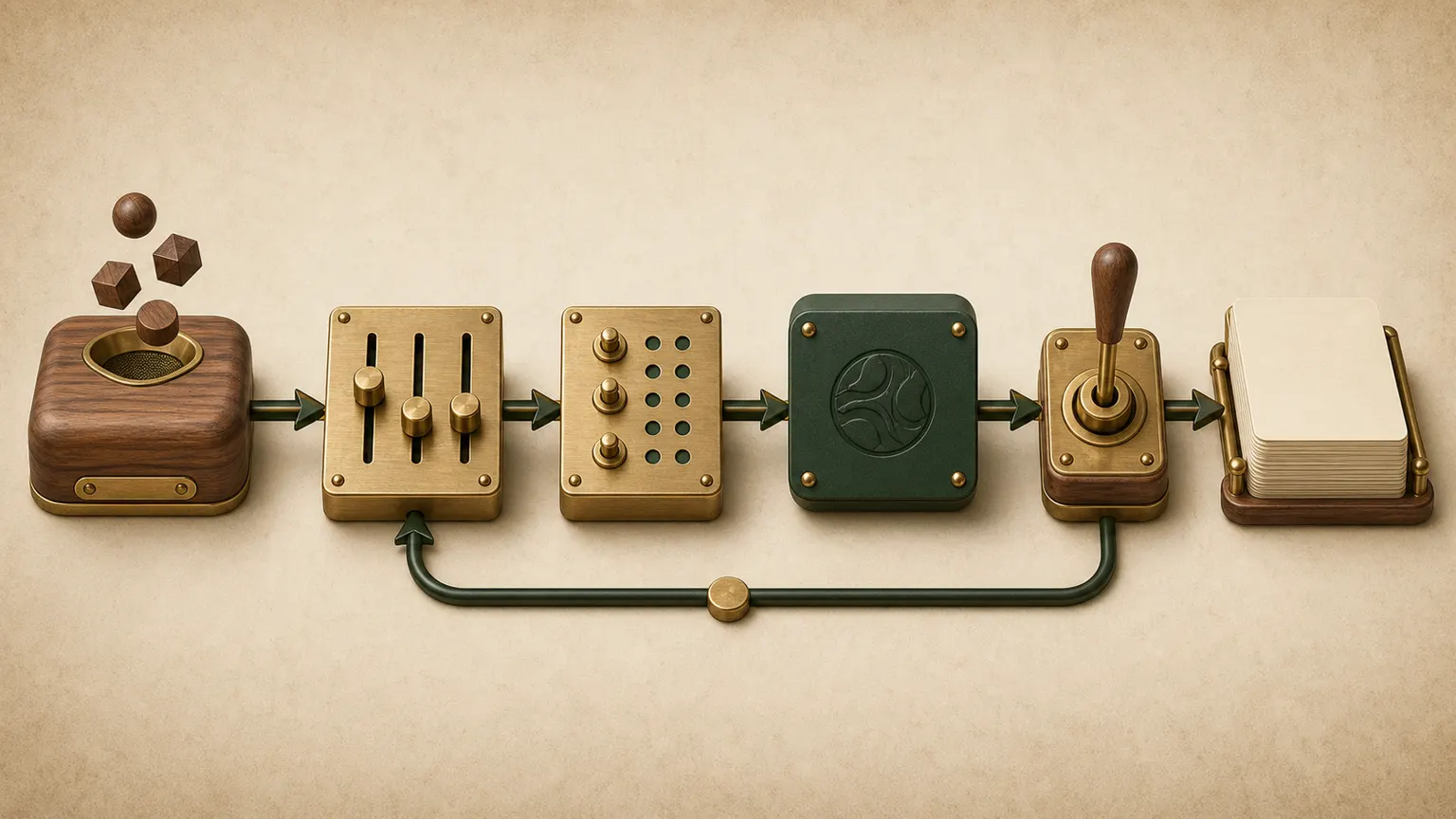
A workflow is the path. It names the inputs, stages, branch conditions, outputs, and stop states. An agent is one possible stage inside that path. It may draft, classify, or propose a next action when a fixed rule cannot choose the result.
Traditional automation follows predefined rules and design patterns. IBM contrasts that model with agentic workflows, which it describes as dynamic processes in which agents can adapt to real-time data and unexpected conditions (IBM, “What are agentic workflows?”).
That distinction does not mean every stage should use a model. If the firm already knows the rule, write the rule. Required-field checks, permission lookups, and approved-destination checks belong in deterministic stages. Put agent judgment only where the workflow accepts a non-fixed answer.
| Question | Deterministic workflow stage | Agent stage |
|---|---|---|
| How is the result chosen? | A rule or fixed transform | A scoped model judgment |
| What should the stage receive? | Validated fields | Only the context allowed for its role |
| What should it return? | A known state or transformed value | A defined output object |
| What happens outside scope? | Stop on failed conditions | Return control to a gate |
| Can it create a side effect? | Only when the action gate allows it | Not directly in this control-map method |
This is an operator worksheet, not a universal product taxonomy. Its purpose is to make the boundary between policy and judgment visible.
Control-map rule: If the firm has already written the answer as policy, use a deterministic stage. If the answer requires judgment, constrain the agent and gate the exit.
What are the five parts of an AI agent?
For a workflow control map, define an agent through five operator-facing parts: role, inputs, permissions, output contract, and stop condition.
This five-part model is the editorial method used here. It is not presented as an industry standard.
-
Role. Write one job for the agent. “Draft a reply from approved matter files” is inspectable. “Handle client work” is not.
-
Inputs. Name each field or document class the stage may receive. Anything else stays outside the agent context.
-
Permissions. List the tools and data scopes available during this stage. Separate permission to read from permission to write.
-
Output contract. Define what the agent must return. A draft, classification, or proposed action should have a known shape that the next gate can inspect.
-
Stop condition. State when the agent must stop and return control. Examples in this method include missing required context, a requested tool outside the allow-list, or an output that does not match the contract.
The five parts describe the agent node. They do not replace the surrounding workflow. Approval, evidence, and recovery belong to the path that receives the agent’s output.
How do I create an AI agent workflow?
Create the workflow by mapping controls first, then place agent judgment inside the smallest useful stage.
Start with a named business outcome and a single entry point. Write the permitted output before writing a prompt. Then build the path on paper:
-
Name the intake. Record the source, requester, payload, and business record attached to the run.
-
Add fixed gates. Validate required fields. Check identity, role, and the permission set for the requested action.
-
Define the agent node. Write its role, inputs, permissions, output contract, and stop condition.
-
Place the approval. Name the person or role that accepts or rejects the proposed action.
-
Specify the external action. Limit the destination and fields the workflow may change.
-
Define the evidence. Keep the agent proposal, approval decision, external action identifier, and result together.
-
Write the stop and recovery states. A denial should end in a named state. A failed write should lead to a defined recovery path.
Each bullet is a design instruction in this article’s operator method. It does not describe a mandatory vendor implementation.
Now label every node as deterministic, agentic, or human. A workflow builder can then implement the diagram without deciding policy during tool setup. n8n describes its product as combining workflow automation with AI and presents integrations and code support as ways to connect models with business systems (n8n AI agents). That is a product description. It does not define the controls your firm should choose.
Build order: Outcome, permitted output, control map, then tool wiring.
Can AI agents be used to automate workflows?
Yes. Use an agent for bounded judgment inside a workflow, while fixed gates control permissions and side effects.
IBM defines agentic workflows as AI-driven processes where autonomous agents make decisions, take actions, and coordinate tasks with minimal human intervention (IBM, “What are agentic workflows?”). For a boutique firm, that definition describes what agents can do. It does not decide which actions the firm should permit.
A useful split is:
-
Use deterministic stages for known validation rules and permission checks.
-
Use an agent stage to draft, classify, rank options, or propose a next action within its written scope.
-
Use a human gate before the workflow sends, publishes, deletes, grants access, or changes a shared record in this operator method.
-
Use an evidence stage to connect the input, proposal, decision, and action under the same run.
These are design choices proposed for the control map. IBM also notes that human-in-the-loop feedback can help steer an agent’s output (IBM, “What are agentic workflows?”). IBM does not supply the approval matrix for an individual firm.
The key is not whether an agent can call a tool. The key is whether the workflow makes that authority explicit. A model with a mail connection is not yet an operational workflow. The path still needs an allowed sender, an approved destination, and a stop state.
What should an AI agent workflow diagram include?
A useful AI agent workflow diagram marks permissions, approvals, evidence, and stop conditions beside the business path.
Use a control diagram instead of a collage of agent and app logos:
[Named intake]
      |
      v
[Validation + permission gate] ----fail----> [Stop: rejected intake]
      |
      v
[Scoped agent node] ---------------stop----> [Return: needs review]
      |
      v
[Human approval] -------------------deny----> [Stop: denied]
      |
    approve
      v
[Scoped external action] -----------fault---> [Recovery path]
      |
      v
[Evidence record + final state]
For each box, add the control fields an operator will need:
| Stage | Permission | Approval | Evidence | Stop or recovery condition |
|---|---|---|---|---|
| Intake | Read the named source payload | None | Source and request reference | Missing or rejected input |
| Validation | Read policy and role data | None | Gate result and policy version | Failed validation or permission check |
| Agent node | Read allowed context and use named tools | None inside the node | Input reference and returned artifact | Out-of-scope request or invalid output |
| Approval | Read the proposed action | Named approver role | Decision and accepted artifact reference | Denial or unresolved review |
| External action | Write only to the scoped destination | Accepted approval required | Destination and action result | Failed or partial write |
| Recovery | Use the action-specific recovery permission | Named owner where required by firm policy | Recovery result linked to the run | Escalate to a named incident state |
The table is a blankable design method, not a compliance framework. Replace each generic cell with the firm’s own system, role, and state names.
Diagram test: An operator should be able to point to the exact box where authority begins, where it ends, and what evidence remains.
Which actions need human approval?
In this control-map method, require human approval before an agent-derived proposal creates a client-facing, destructive, access-changing, or commercial side effect.
The firm owns this approval matrix. The categories below are proposed workflow boundaries, not legal or regulatory requirements:
-
Outbound email, portal messages, and shared-document publication.
-
Quotes, invoices, and contract-status changes.
-
Account creation, role grants, and shared-folder permission changes.
-
Deletes, archive moves, and bulk overwrites.
-
A transfer of material between client matters.
Approval must refer to the exact artifact that will be used. Record the approver, decision, artifact reference, destination, and resulting action reference. If the content changes after approval, send the changed artifact through approval again.
IBM describes human-in-the-loop feedback as one mechanism that can facilitate agent decision-making and steer output (IBM, “What are agentic workflows?”). The source supports the value of that feedback mechanism. It does not prescribe the action categories above.
How do you test an AI agent workflow before production use?
Test every gate and exit state with controlled inputs before granting the workflow production write access.
Build a small fixture set with secrets removed. Each fixture should target a named path through the control map. The goal is to verify the workflow state, not to ask whether a chat response looks plausible.
Run these checks:
-
Send a valid input and confirm that each expected stage receives only its allowed fields.
-
Remove a required field and confirm that the validation gate reaches its named stop state.
-
Use a requester without the needed permission and confirm that no agent or external write stage runs.
-
Make the agent request an unlisted tool and confirm that control returns to the defined review or stop state.
-
Exercise approval and denial. Confirm that only the accepted artifact can reach the action stage.
-
Force an external-action fault and follow the recovery path to its final recorded state.
These are test cases for this article’s proposed control-map method. The pass condition should be observable in the run evidence. Keep one run reference across intake, agent output, approval, external action, and recovery.
FAQ
Is an AI agent workflow the same as an agentic workflow?
The phrases overlap in public material, but this article uses a narrower operator definition. IBM defines agentic workflows as AI-driven processes where autonomous agents make decisions, take actions, and coordinate tasks with minimal human intervention (IBM, “What are agentic workflows?”). This article uses “AI agent workflow” for a path that can mix deterministic stages with scoped agent judgment under explicit controls.
Do several agents have to be involved?
No. In this article’s method, one scoped agent node can sit inside a larger deterministic path. Add another agent only when it has a separate role, input scope, output contract, and stop condition.