
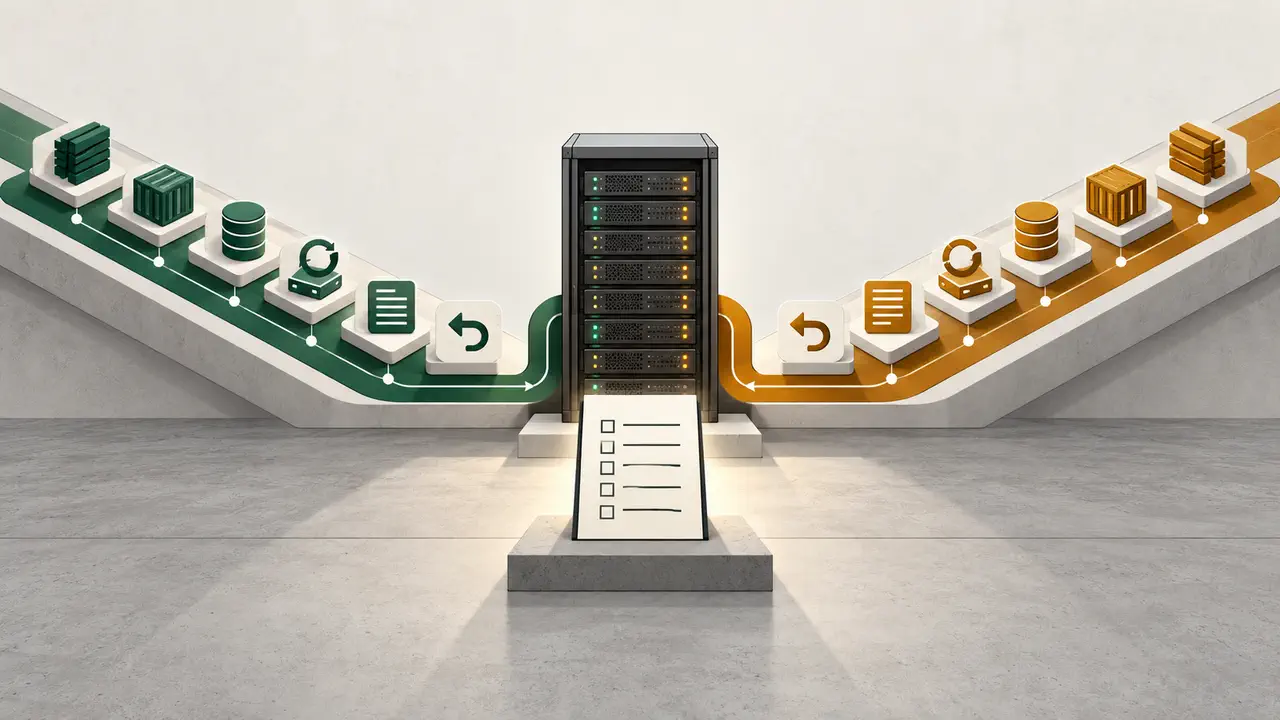
Both neutral lanes lead to the same acceptance-test criteria. Neither lane gets a visual winner treatment.
What is our Coolify vs Dokploy verdict?
Keep the platform already tied to a proven operating loop, unless a controlled acceptance test gives your team a concrete reason to change.
Our production workflow remains on Coolify. It is already part of our branch, deploy, and public QA process. We run production sites through Coolify and verify each deployment at its public URL. On October 23, 2026, we triggered a branch deployment through the Coolify API and polled its status. We then checked the public HTTP status and page title.
That verdict applies to our workflow. It is not a universal product ranking. We reviewed Dokploy's public core and Docker Compose documentation on October 23, 2026. Its documented tools make it a valid candidate for the same acceptance test. Choose based on the artifacts, recovery steps, and controls your operators can prove.
For more context on the category, see our open-source alternatives and our separate Coolify review.
How do Coolify and Dokploy compare on operator evidence?
Map each decision surface to a source and a pass-or-fail operator test.
The table is symmetrical by design. It does not award points for a long feature list. It turns documented features into checks that matter during a release or recovery.
| Decision surface | Coolify evidence | Dokploy evidence | Operator acceptance test |
|---|---|---|---|
| Application deploy | The Coolify documentation describes deploying applications, databases, and services, and says it can run an application that Docker can package. | The Dokploy core documentation documents applications and auto deploy. | Deploy the same repository at a pinned commit and verify the public result. |
| Docker Compose | The Coolify documentation states the broader Docker-packaged application path. | The Dokploy Docker Compose documentation identifies Compose as a supported service path. | Run the same representative Compose file and record every required adaptation. |
| Database and service path | The Coolify documentation describes databases and services alongside applications. | The Dokploy core documentation documents databases and Docker Compose. | Create disposable data, connect the app, and prove a clean rebuild. |
| Backups and recovery | The Coolify server documentation includes backups and recovery in its server-management navigation. | The Dokploy core documentation documents backups and scheduled jobs. | Back up sample data, destroy the disposable copy, restore it, and validate the result. |
| Logs and monitoring | The Coolify server documentation includes monitoring and notifications. | The Dokploy core documentation documents logs and metrics plus notifications. | Find a known error, send one test notification, and identify its owner. |
| Access and audit | The Coolify server documentation includes team roles and an audit log. | The Dokploy core documentation separates enterprise SSO, SCIM, custom roles, and audit logs. | Model your actual operator roles and confirm the required event trail in the applicable offering. |
| API and automation | The Coolify documentation links API and CLI guides. | The Dokploy core documentation documents auto deploy, registries, secrets, and DNS providers. | Automate one release trigger, observe its state, and verify the public result. |
Documentation tells you where to start. The acceptance test shows whether your team can run the path under its own limits.
Which deployment artifact should decide the choice?
Start with the repository, image, or Compose configuration that represents your real application.
A polished empty project proves little. Use a small system that represents the intended workload. Keep the same build pattern, service links, environment-variable shape, and public routing needs. Remove live data and secret values before the test.
Dokploy lists Docker Compose as a service path in its Compose documentation. Coolify says that applications packaged with Docker can run on the platform in its main documentation. Those statements set the starting point. Your repository defines the real test.
Decision in 15 minutes
- Name the deploy artifact: repository build, container image, or Compose file.
- Name the person who owns releases and the person who owns recovery.
- Write the required database and service dependencies.
- List secret keys without copying their values.
- State the acceptable rollback or restore outcome.
- Identify where logs and notifications must arrive.
- List the operator roles and audit events you require.
- Stop comparing features that do not affect those answers.
This short pass often reveals the actual decision. If the team cannot name its artifact or recovery owner, a platform change will not fix the operating model.
How should you run a fair eight-step acceptance test?
Use disposable infrastructure and require both candidates to complete the same eight observable tasks.
This is an operational acceptance test. It is not a security or compliance certification. Give both lanes the same repository and sample data. Use the same Compose file when it applies. Keep the pass criteria equal.
- Prepare the artifact. Pin one commit and record the image or build inputs. Keep one representative Compose file in the repository.
- Deploy the application. Create the application from the agreed source and verify its public HTTP status and expected page title.
- Load secrets. Enter the required secrets through the intended operator path. Record key names only in the test report. Never record values.
- Connect domain and TLS. Route a disposable domain, confirm HTTPS, and record every DNS and certificate step.
- Exercise a failed release. Ship a broken disposable revision and observe the failure. Then run the written rollback or recovery procedure.
- Prove backup and restore. Create sample database content, run a backup, remove the disposable copy, restore it, and validate the content.
- Inspect logs and alerts. Generate a known application error, find it in the expected log path, and send one notification to the declared destination.
- Prove exit. Rebuild from the saved repository, configuration inventory, backup, and DNS notes. Record each platform-specific dependency you find.
Use one result sheet for every step. Record pass or fail, operator, timestamp, and evidence link. A passed checkbox without recovery evidence is only a setup record.
Run each step once. Then ask a second team member to repeat it from the notes. Save each log, screen, and test result in one place. Use the same time box for both lanes. Start from the same clean state. Do not count a step as passed when it relies on a private tip or an old shell command. The next person must be able to see what ran and what changed. When a step fails, record the point of failure and the owner of the next action. This makes the final choice easy to review. It also gives the team a first draft of its runbook. Keep the proof clear. Keep the steps short. Make each pass easy to check. A good test leaves no guesswork.
What must you prove before a migration?
Prove the complete release and recovery loop before moving a production workload.
Use the deeper checklist after a candidate passes the disposable test. It turns the test into a procedure another team member can follow.
- [ ] The repository and required revision are recorded.
- [ ] The Compose or platform configuration is versioned where appropriate.
- [ ] The environment inventory lists variable names without secret values.
- [ ] Secret ownership and rotation responsibility are assigned.
- [ ] The domain, DNS, and TLS steps are written down.
- [ ] A backup has completed against disposable data.
- [ ] A restore has rebuilt that data and passed a content check.
- [ ] The failed-release procedure has been executed and recorded.
- [ ] Logs can be found from a known request or error.
- [ ] A notification reaches the intended destination and owner.
- [ ] Operator roles match the team's access model.
- [ ] Required audit events are visible in the applicable offering.
- [ ] Scheduled jobs have named owners and observable outcomes.
- [ ] Registry dependencies and credentials are inventoried.
- [ ] A second operator can follow the runbook without oral instructions.
- [ ] The exit package can rebuild the disposable workload.
Our how we test page explains the wider editorial rule. Define the claim, observe the workflow, and keep the conclusion within the evidence.
What creates switching cost between the platforms?
Switching cost lives in missing operational artifacts more than in the application source alone.
A repository is necessary, but it is not the whole deployment. Build a portable operating packet. Include the repository reference and the Compose or other configuration. Add an environment inventory without secret values. Also include a tested restore process, DNS and TLS notes, the monitoring destination, a rollback record, and a named owner.
Treat every undocumented click as migration work. A credential held in one person's memory is a recovery risk. Do not assume a vendor-specific export guarantee. Prove that the saved artifacts can rebuild the disposable workload in the exit test.
This is where server planning meets deployment planning. Our guide to a self-hosted AI server covers the server question. Capacity does not replace a release runbook.
How should pricing affect Coolify vs Dokploy?
Compare total operating responsibility, not a frozen headline price.
We checked the official Coolify pricing page on October 23, 2026. It states that the self-hosted option is free and requires your own infrastructure. Its Cloud offer is separate. Check the current page when you decide because offers can change.
Self-hosted software still requires infrastructure and operator time. Count servers, backups, monitoring, upgrades, incident response, access work, and recovery drills. Apply the same accounting method to each candidate.
Neither product link in this article represents an active affiliate relationship, and neither placement is sponsored.
What are the common Coolify vs Dokploy questions?
The useful answers stay conditional on your artifact, controls, and proven runbook.
Is Coolify better than Dokploy?
No universal winner follows from this evidence. Coolify remains in our production publishing workflow because it already connects our branch deploys to public URL checks. Choose for your team with the same repository, recovery drill, access model, and acceptance criteria.
Do Coolify and Dokploy support Docker Compose?
Dokploy's official documentation identifies Docker Compose as a supported service path. Coolify's official documentation says that Docker-packaged applications can run. Put your exact Compose file through the same disposable acceptance test before deciding.
Is Coolify free to self-host?
Yes. We checked the official Coolify pricing page on October 23, 2026. It states that self-hosted is free and requires your own infrastructure. Infrastructure and operator time still cost money. The Cloud offer is separate.
How should I test Coolify vs Dokploy?
Use the same repository and representative Compose file on disposable infrastructure. Test the deploy, secrets, domain and TLS, and a failed release. Then test backup and restore, logs and alerts, and a clean exit. Record clear pass criteria for each step.
What should I back up before switching platforms?
Keep application data, the repository reference, and the Compose or other configuration. Keep an environment-key inventory without values. Add the restore procedure, DNS and TLS notes, monitoring destinations, rollback record, and owner for each item.
Where should server selection fit in the decision?
Choose the server only after the deployment and recovery workflow is explicit.
Start with the artifact, restore target, access needs, and monitoring route. Then choose infrastructure that fits the written workflow. Read our guide to AI agent hosting once those operator needs are clear.