
Not tested by us. Some links on AI Jungle may be affiliate links, but commissions never change our rankings. This page currently has no active affiliate link.
Open WebUI is a self-hosted interface for using AI models through Ollama or OpenAI-compatible APIs, according to the official documentation. It belongs on your shortlist if you want control of the hosting environment and already have someone who can own access, updates, backups, and the model connection. This is a source-based deployment guide, not our test verdict. We have not installed Open WebUI, measured it, or used it in the AI Jungle fleet. The aim here is narrower: help a small-firm operator decide whether the documented deployment choices and the work that follows fit the business.
What is Open WebUI?
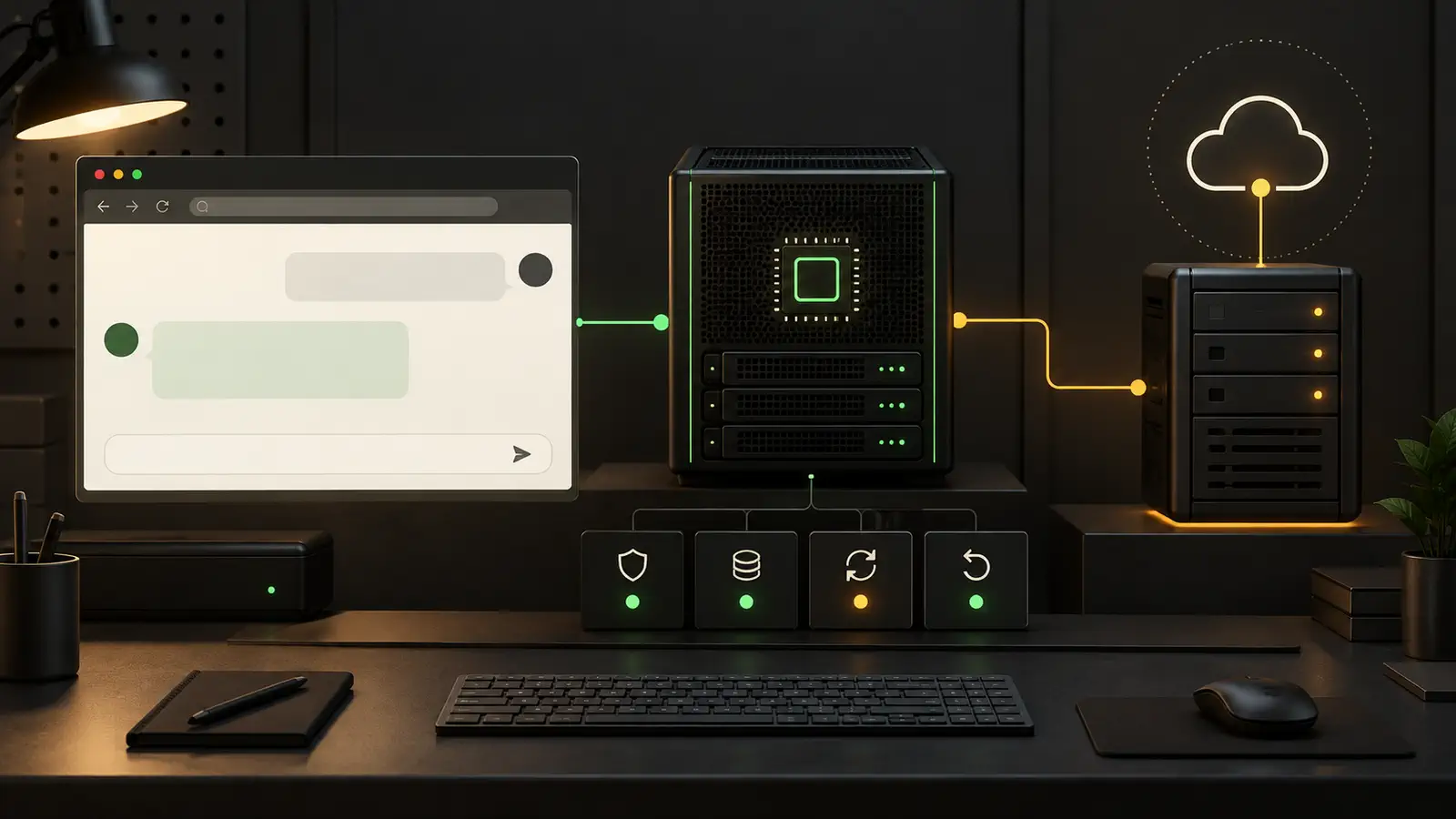
Open WebUI is a self-hosted AI platform that its project describes as designed to operate offline and able to connect to Ollama and OpenAI-compatible APIs. That description comes from the official Open WebUI documentation. Its source repository is publicly available through the official Open WebUI repository.
The useful distinction is between the interface and the model endpoint. Open WebUI gives you the interface layer. You still need to decide where the models or API live, who can reach them, and who maintains the surrounding system. If you are new to that distinction, our self-hosted AI guide provides the broader context.
This summary keeps the product facts and our evaluation status separate:
| Decision area | What to know |
|---|---|
| Best for | Operators who want a self-hosted AI interface and can assign ongoing technical ownership. |
| Deployment choices | Docker, Python, and Kubernetes are documented in the official Quick Start. |
| Model and API fit | The official documentation states support for Ollama and OpenAI-compatible APIs. Confirm your exact endpoint against the current documentation before deployment. |
| Proof status | Not tested by us. No AI Jungle uptime, performance, cost, or setup evidence is claimed. |
| Main preflight checks | Access, data handling, recovery, updates, model connectivity, monitoring, and a named owner. |
Is Open WebUI free to use?
Do not turn repository access into a legal conclusion about your intended use. The project publishes its code and current license information in the official repository. Read the current license and any applicable terms before you use, modify, redistribute, or deploy the software for a business.
Do not assume that repository access grants unrestricted business use. If the license wording affects a commercial plan, have the person responsible for legal or procurement review the source text that applies when you deploy.
Software terms are only one part of the decision. Your organization may still need infrastructure, model access, storage, administration, and staff time. We have not measured those requirements for Open WebUI, so this guide does not attach a cost estimate to them.
How do you install Open WebUI?
Choose the documented installation path that matches the system your team already knows how to maintain. The current Open WebUI Quick Start documents Docker, Python, and Kubernetes paths. Use that page as the source for current commands and prerequisites. We do not reproduce commands here because we have not run or verified them.
A practical decision path looks like this:
- Start with the environment you already operate. If your team maintains containers, review the Docker path. If it maintains Python applications directly, review the Python path. If it already operates Kubernetes, compare the documented Kubernetes path with your existing deployment process.
- Confirm the model endpoint before installing the interface. Decide whether Open WebUI will connect to Ollama or an OpenAI-compatible API, as described by the official documentation.
- Write down the access boundary. Decide who can reach the service and how your organization will approve accounts.
- Define recovery and update procedures before production use. A successful first launch does not answer how you will restore data or reverse a failed change.
- Assign one operational owner. That person does not need to write the application, but must own maintenance decisions and incident follow-up.
If none of the documented paths matches a system your team can support, pause before installation. A new platform can be a poor fit even when the application itself looks suitable. For a wider view of the components around a deployment, see our self-hosted AI server guide.
What should you check before putting Open WebUI into production?
Treat production readiness as your responsibility, not as a result of completing the installation guide. The following list is our recommended operator checklist. It is not a claim that Open WebUI includes a specific control or behaves in a specific way.
- Authentication and access. Decide who may sign in, who approves access, what happens when someone leaves, and whether the service must sit behind another access layer.
- Data handling. Map what users may submit, where that information can travel, what the model endpoint receives, what your organization permits, and when records must be removed.
- Backups, updates, and rollback. Identify what must be backed up. Document how you will test a restore, assess an update, and return to a known state if a change fails.
- Model endpoint. Confirm the endpoint, credentials, network route, allowed models, and the person who approves changes to that connection.
- Monitoring. Choose the signals your operator needs to detect loss of access, endpoint errors, resource pressure, or failed maintenance. Set a route for alerts.
- Owner. Name the person responsible for access reviews, updates, recovery checks, model changes, and incident decisions. Record a backup owner as well.
Test those procedures in your own environment before real work depends on the service. Record the result and the date. Our testing policy explains why we separate documented facts from hands-on evidence. If your team needs help learning how to operate an AI stack, Learn AI Thing is a contextual learning resource, not proof about Open WebUI.
Is Open WebUI any good?
Open WebUI may fit an operator who wants its documented self-hosted approach and can own the deployment, but we cannot give it a tested verdict. We have not assessed its behavior, reliability, performance, or maintenance burden. The official materials establish what the project says it is and which installation paths it documents. They do not replace evidence from your environment.
Judge fit with a limited evaluation that reflects the work you plan to support. Confirm that the chosen installation method fits your systems. Confirm that your intended model endpoint connects under your policies. Then exercise access removal, backup restoration, an update decision, rollback, and alert handling. Record gaps before users depend on the service.
A good result is not merely a working interface. It is a service your organization can control and recover. A poor result is one that depends on knowledge no named owner has, even if the initial installation succeeds.
What is better than Open WebUI?
The better choice is the one that fits your model connection, operating skills, access rules, data policy, and recovery process. We will not rank unnamed alternatives without current, comparable evidence. Begin with the constraint most likely to rule out a deployment.
- Reject a choice if it cannot connect to the model endpoint you are permitted to use.
- Reject a choice if your team cannot enforce its required access boundary.
- Reject a choice if you cannot map and govern the data path.
- Reject a choice if no one can own updates, backups, rollback, and monitoring.
- Among the remaining choices, evaluate the same tasks with the same acceptance criteria.
This method may leave Open WebUI on the shortlist, or remove it early. Either outcome is more useful than choosing from a generic ranking. For the underlying hosting decision, continue with our self-hosted AI guide.
What else do operators ask about Open WebUI?
These short answers preserve the limits of the available sources and our not-tested status.
Is Open WebUI free to use?
Check the current license and terms in the official repository for your intended use. We do not make a broader legal claim.
What is an open web UI?
In this guide, "Open WebUI" is the project name. The official documentation at https://docs.openwebui.com/ describes it as a self-hosted AI platform designed to operate offline, with support for Ollama and OpenAI-compatible APIs.
What is better than open WebUI?
No product is better for every operator. Compare candidates against your approved model endpoint, access boundary, data rules, recovery plan, and available owner.
Is open WebUI any good?
It may be suitable if its documented approach matches your requirements and your own evaluation passes. We have not tested it, so we cannot offer a performance or reliability verdict.
Who owns Open WebUI?
The sources in this packet identify the Open WebUI project through its official site and official repository. They do not provide enough verified information for us to state a separate legal ownership conclusion. Check the project's current legal notices and terms if ownership matters to your review.
Which is better, Open WebUI or AnythingLLM?
This source packet contains no current, source-based comparison with AnythingLLM, so we cannot name a winner. Apply the same model, access, data, recovery, monitoring, and ownership checks to both before deciding.
Should you shortlist Open WebUI?
Shortlist Open WebUI if you need a self-hosted interface, its documented connections fit your model plan, and a named operator can support the whole service. Do not shortlist it on interface appeal alone. The production decision includes identity, data, the model endpoint, recovery, updates, and monitoring.
Our next step would be a bounded evaluation against written acceptance criteria, followed by a recorded go or no-go decision. Until that work exists, the honest label remains "Not tested by us." Start with the AI Jungle self-hosted AI guide to place Open WebUI within the rest of the stack.
Written by Loïc Guyon (Tileo), who runs the AI Jungle fleet.